GridWatch by VAULt
A web platform to manage transformer inspections and thermal images, with YOLOv8-based anomaly detection, interactive bounding-box editing, and PDF maintenance record generation. I contributed mainly to backend development, database schema design, REST APIs, and annotation update storage.
Project Overview
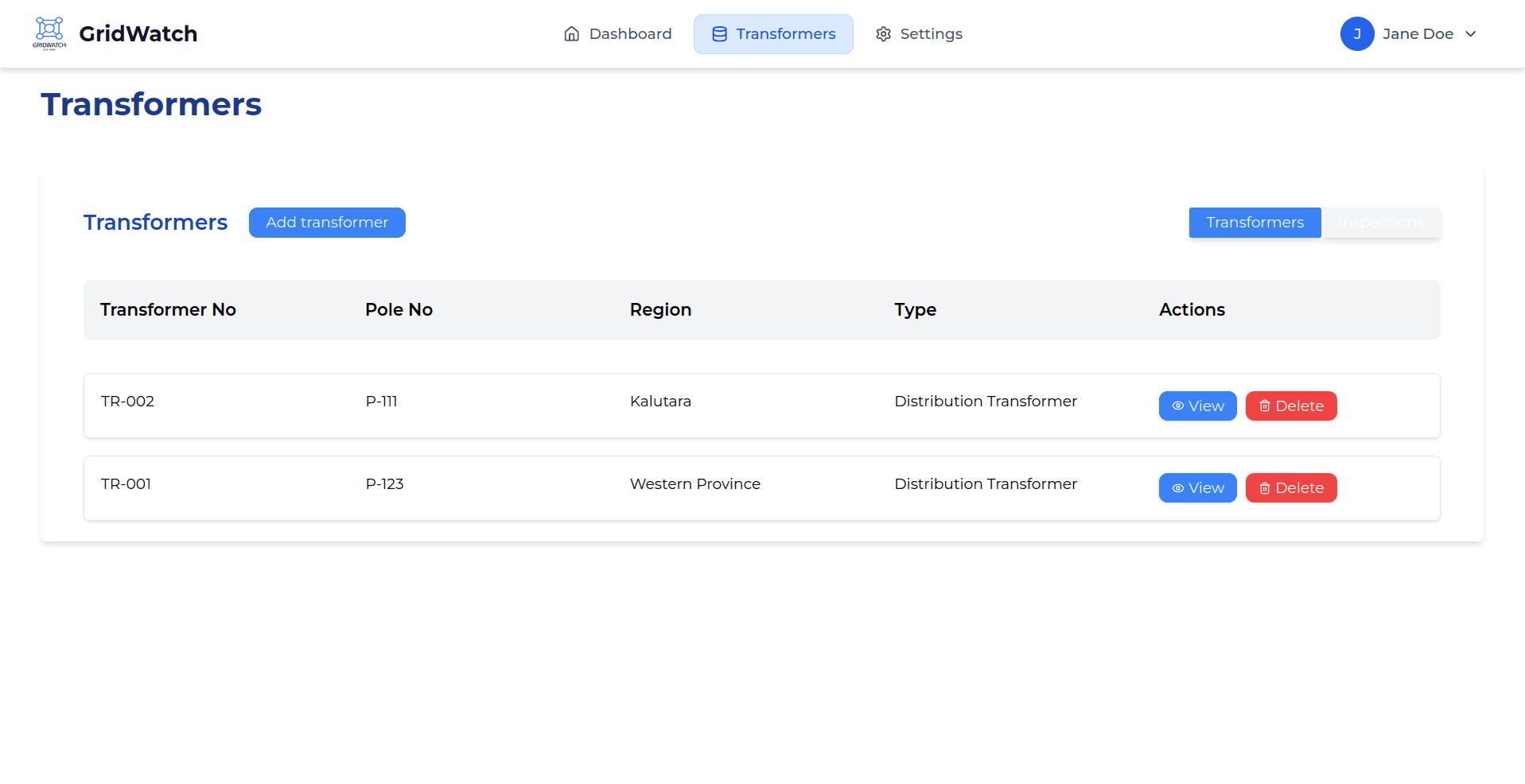
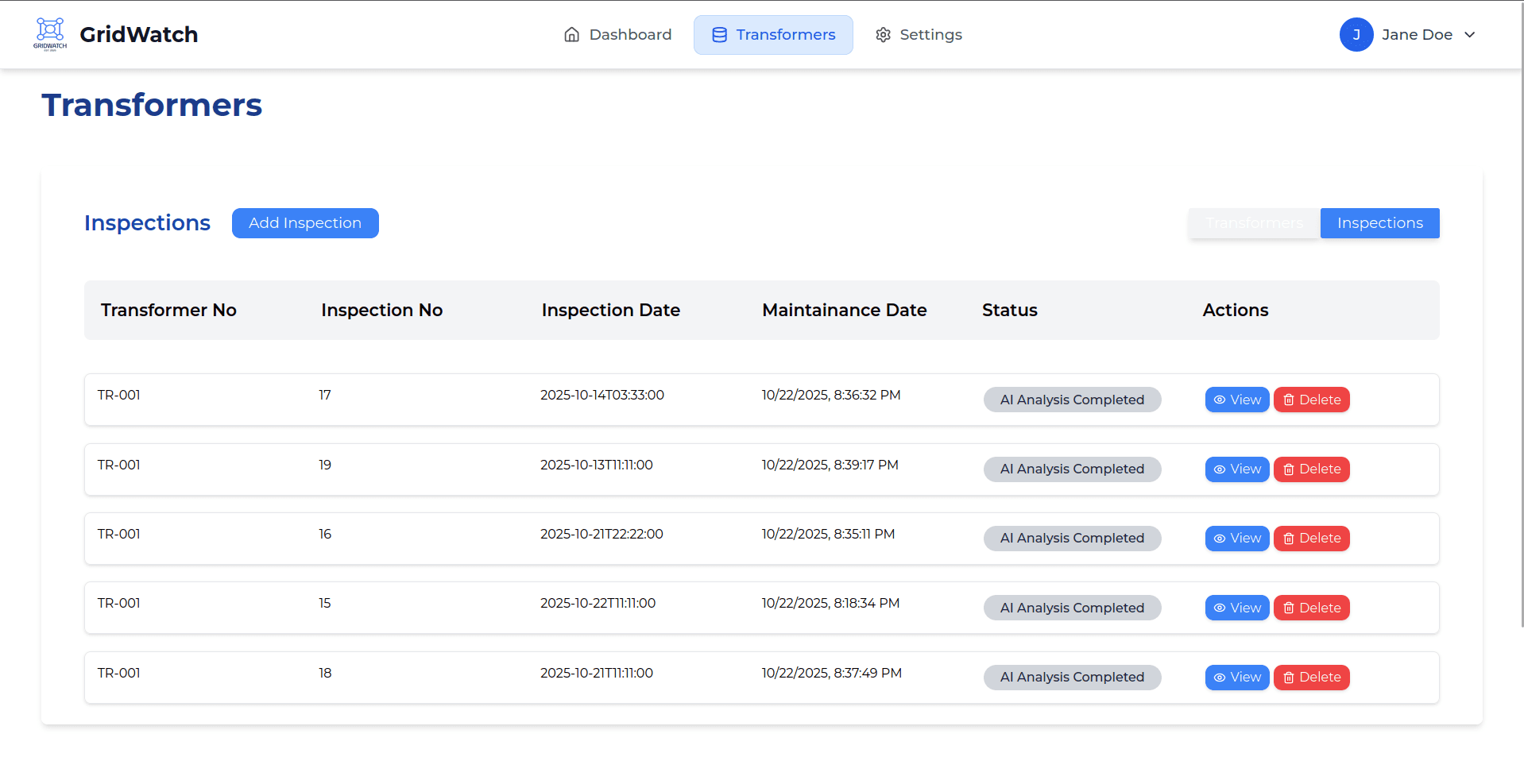
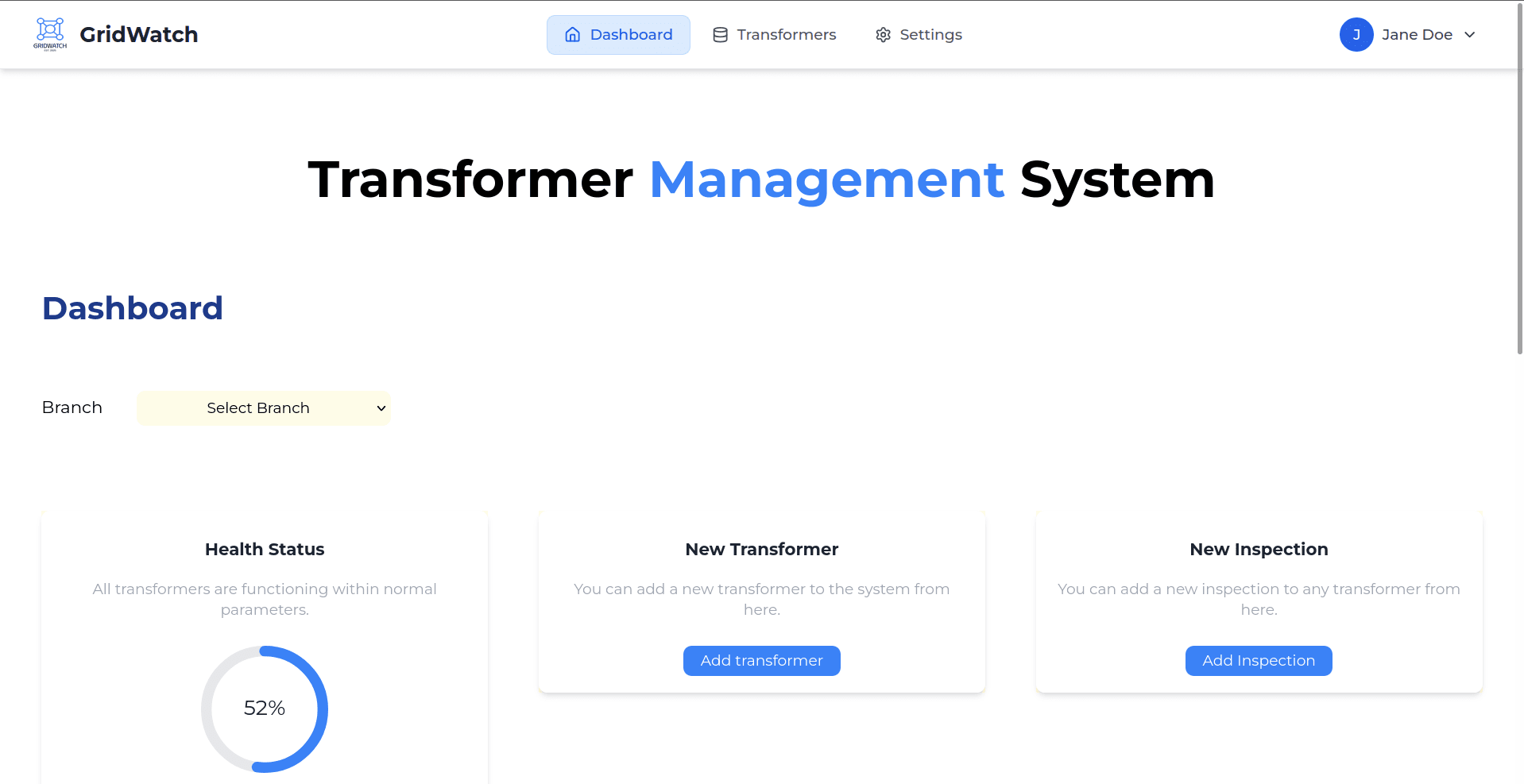
GridWatch is a web-based system developed by Team VAULt (University of Moratuwa, EN3350 Software Design Competition) to support and automate thermal inspection workflows for distribution transformers. The platform manages transformer records, inspection history, thermal image uploads, and maintenance documentation. It also integrates computer vision to detect thermal anomalies and supports human-in-the-loop validation through interactive annotations.
Core Features
The system supports a complete inspection workflow:
- Transformer and inspection record management
- Uploading and categorizing baseline and maintenance thermal images
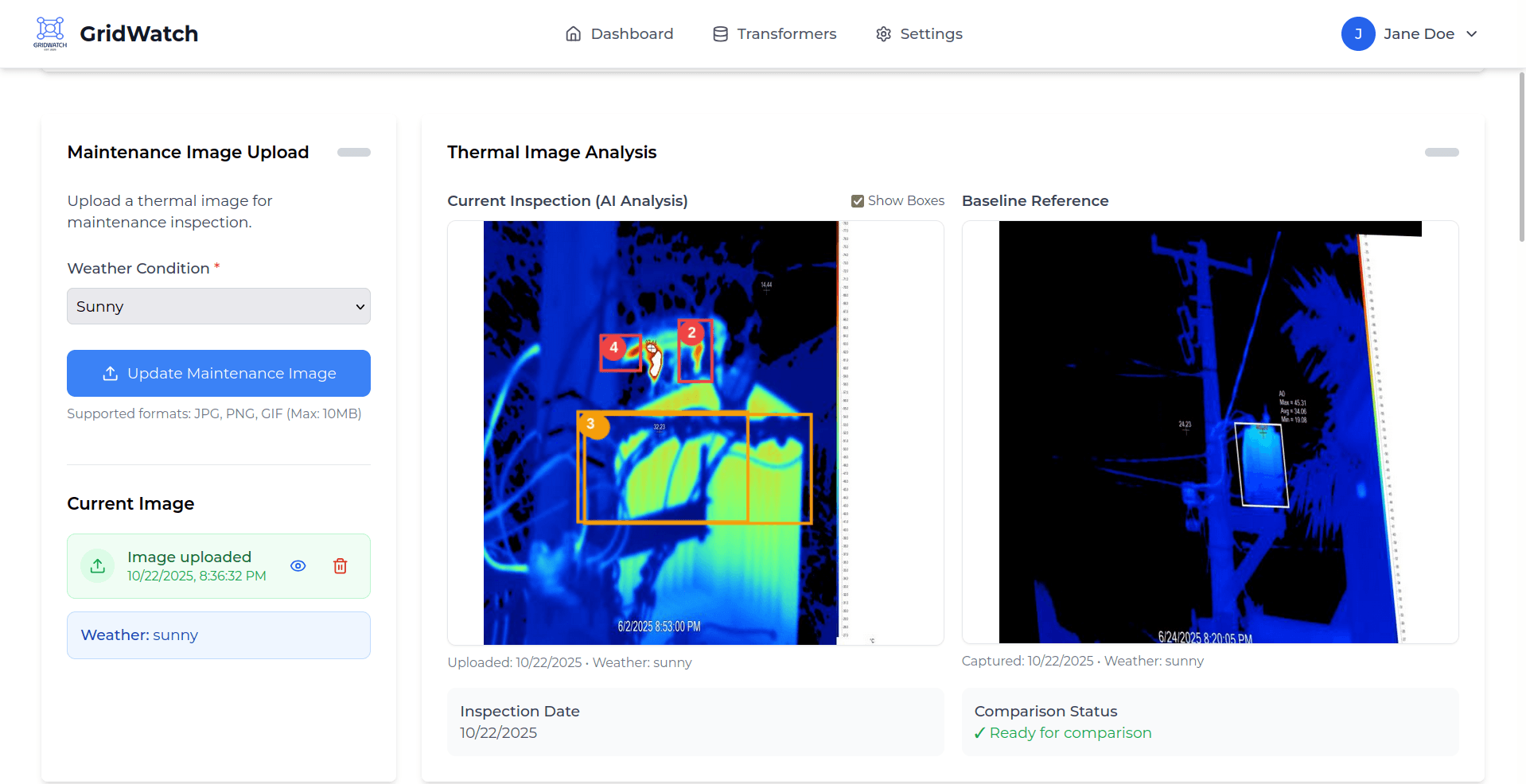
- Automated anomaly detection using a YOLOv8 model
- Side-by-side comparison of baseline and maintenance images with zoom and drag controls
- Interactive annotation tools to add, edit, resize, or delete anomaly bounding boxes
- Feedback and change-log export (JSON/CSV) to support future model improvement
- Maintenance record generation with PDF export and inspection history tracking
My Contribution
I mainly worked on backend development. My contributions include:
- Designing the database schema and implementing Spring Boot backend services for transformer, inspection, and thermal image management.
- Developing REST API endpoints required by the frontend workflows and the vision pipeline.
- Implementing backend support for editing and storing updated anomaly bounding-box annotations, so user corrections are saved and reloaded reliably.
Tech Stack
Frontend: React, Vite, Tailwind CSS
Backend: Java, Spring Boot, PostgreSQL
Vision pipeline: YOLOv8 (training and inference), API integration
Other tools: Roboflow, Git, REST APIs
Workflow Demo Videos
The workflow videos for each completed phase can be accessed using the links below.
Phase 1: Watch the workflow video (Google Drive)
https://drive.google.com/file/d/1oBK7fp4eDmFDBDKQfPqj_T-U-D35DcXK/view?usp=sharing
Phase 2: Watch the workflow video (Google Drive)
https://drive.google.com/file/d/1H7QtidcNJImsieT4mtIxQo6YSV7QhpDt/view?usp=drive_link
Phase 3: Watch the workflow video (Google Drive)
https://drive.google.com/file/d/1oBK7fp4eDmFDBDKQfPqj_T-U-D35DcXK/view?usp=sharing
Phase 4: Watch the workflow video (Google Drive)
https://drive.google.com/file/d/16mHmh70S4ynEDrKBiKmC_xPGdTkG-6PD/view?usp=drive_link
Gallery